Keep track of what you're already learning.
BunnyNote doesn't teach you a language, it helps guide you in the right direction. It's the tracker that sits alongside you as you learn: from your own personal study, a class, a tutor, or shows you watch at 2am. It turns every word you encounter into a library for you to study from.
No streak guilt. No annoying notifications. Just your go to companion for when you want to study.
Stop wondering what to learn next.
The biggest hurdle? Every language learner knows it. It's finding new, useful words to learn in your target language, and it burns you out before you even touch the learning part.
That problem is now one swipe away.
No more hour long searches online for lists of useful words. “1000 Most Common Japanese Words”? No need, BunnyNote has its own database you can swipe on to add words directly to your library.
Simple, easy, and less time spent on the most tedious part of learning a language.
An hour before you learn anything.
- Search “most common words”, again
- Sift through ten lists that disagree
- Copy each word out by hand
- Chase down its dictionary form
- Type it all in. Repeat a thousand times.
Burned out before the learning starts.
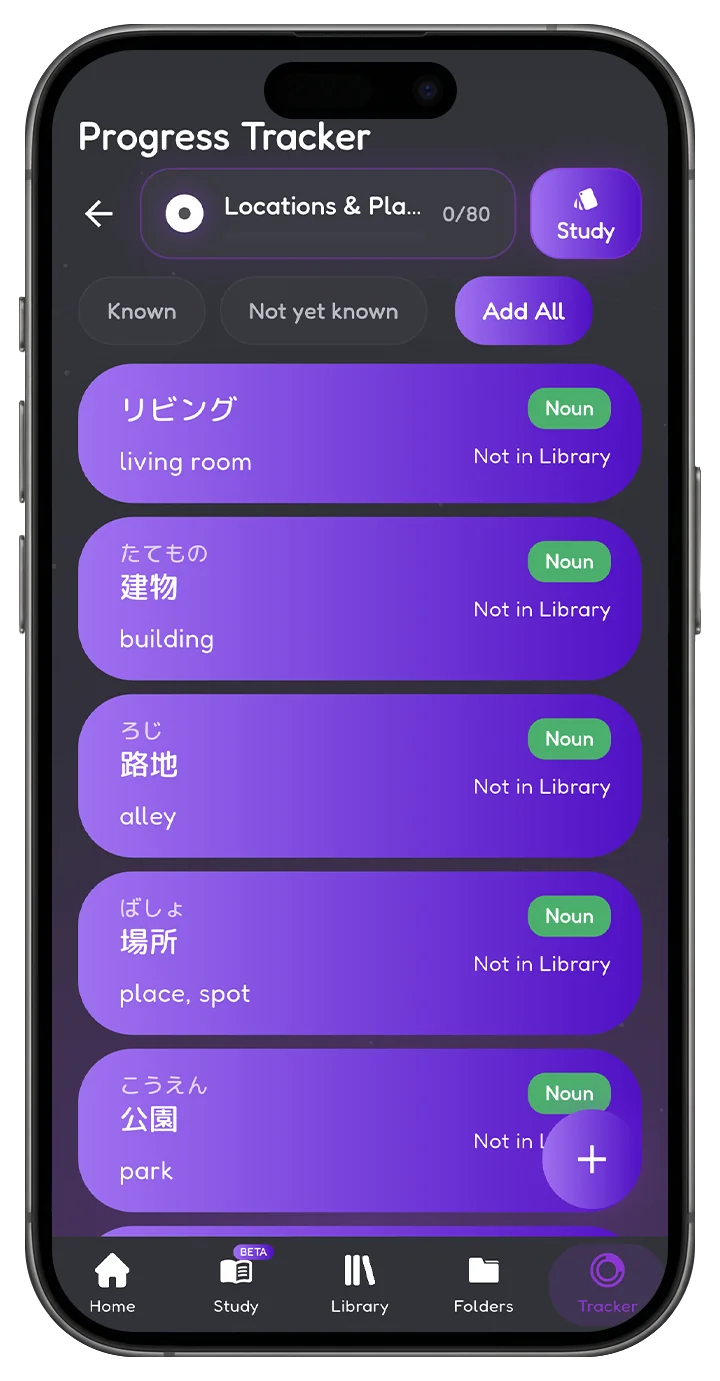
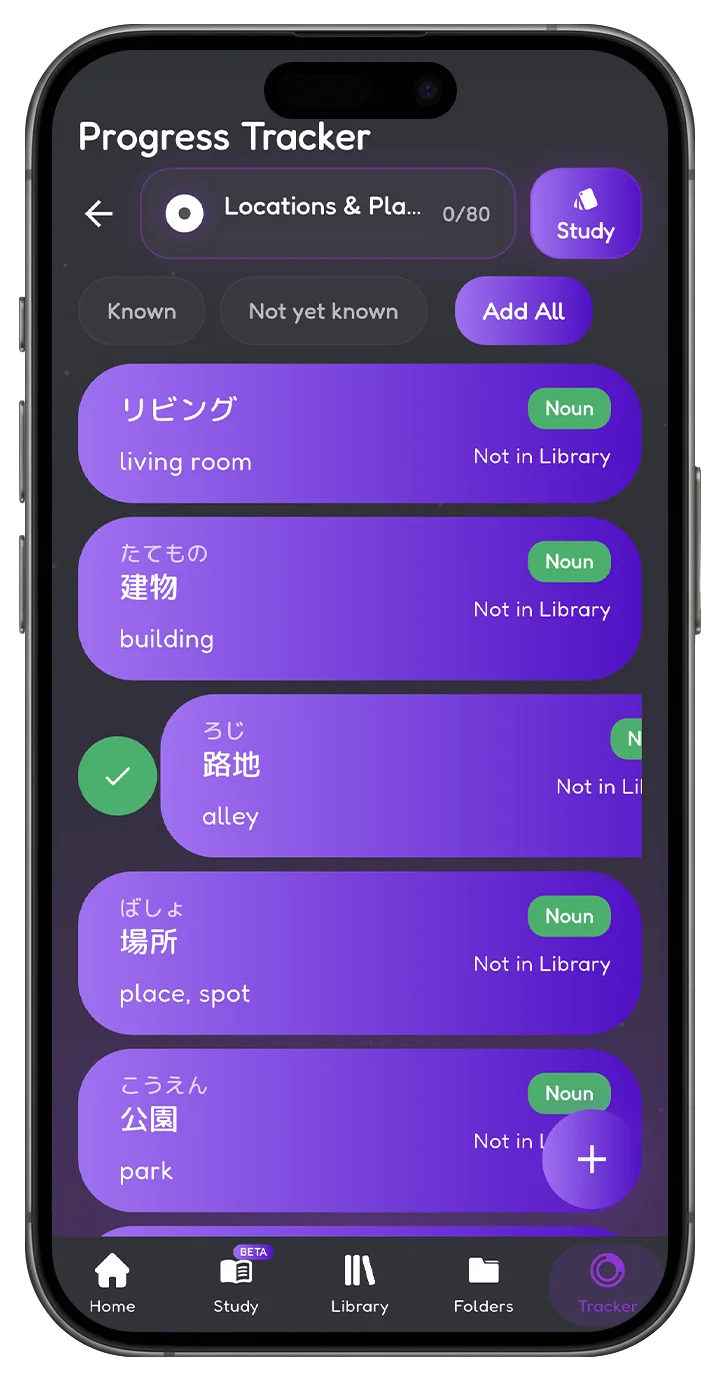
Open the database. Swipe.
- 3,500+ words already sorted into real categories
- Dictionary form, meaning and part of speech attached
- One swipe saves it into your library
That's it. Quick and effortless.
Your strongest and most powerful toolset.
Want to use flash cards to study all the new words you just added? BunnyNote's study cards run on your library or any folder directly. Want to get faster at texting in the language you're learning, or stop misspelling words in Japanese? BunnyNote gives you multiple ways to practice your texting, your spelling and your recognition, so you recall words quicker.
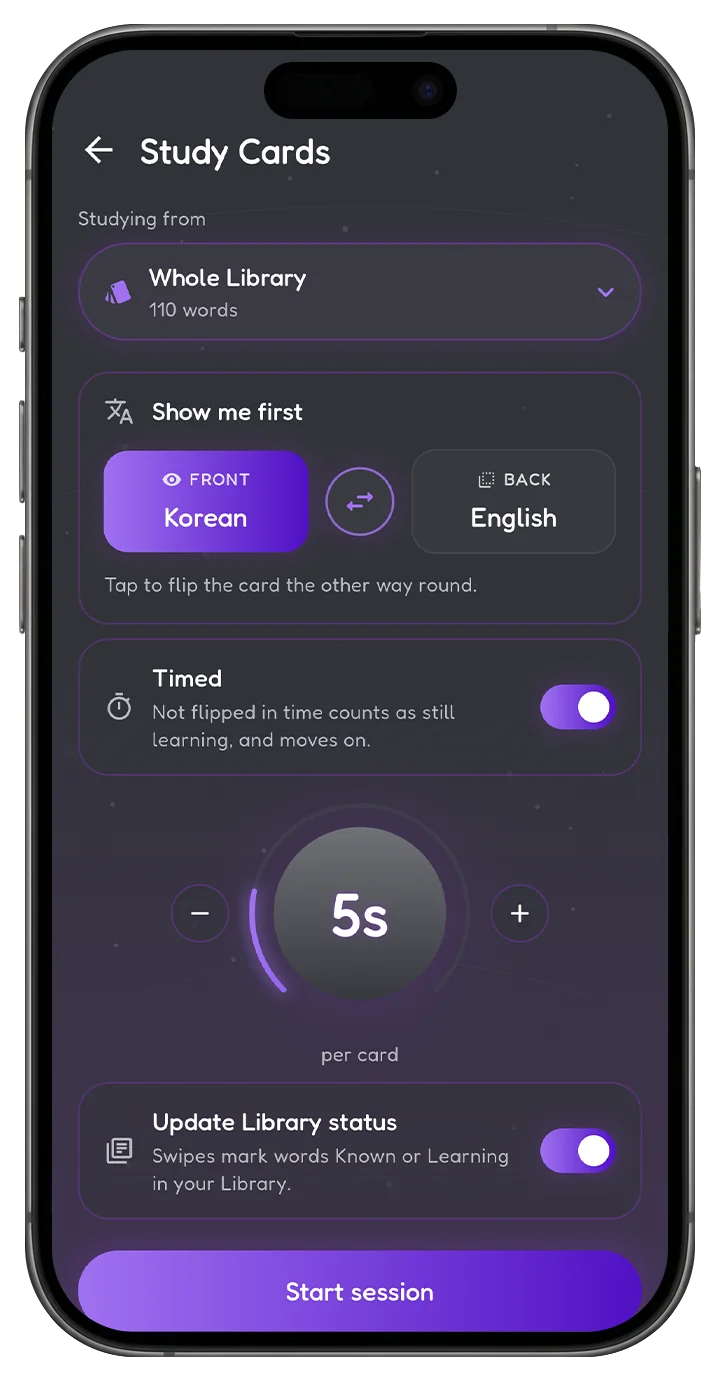
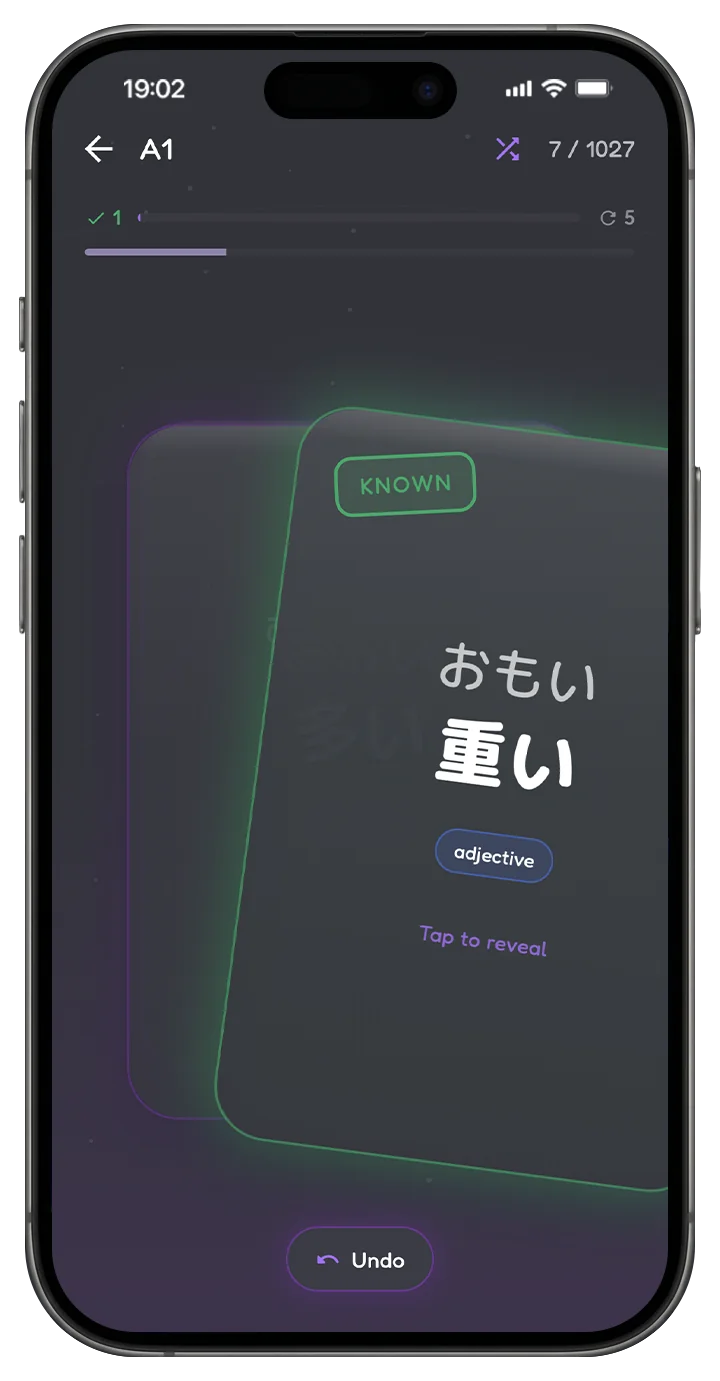
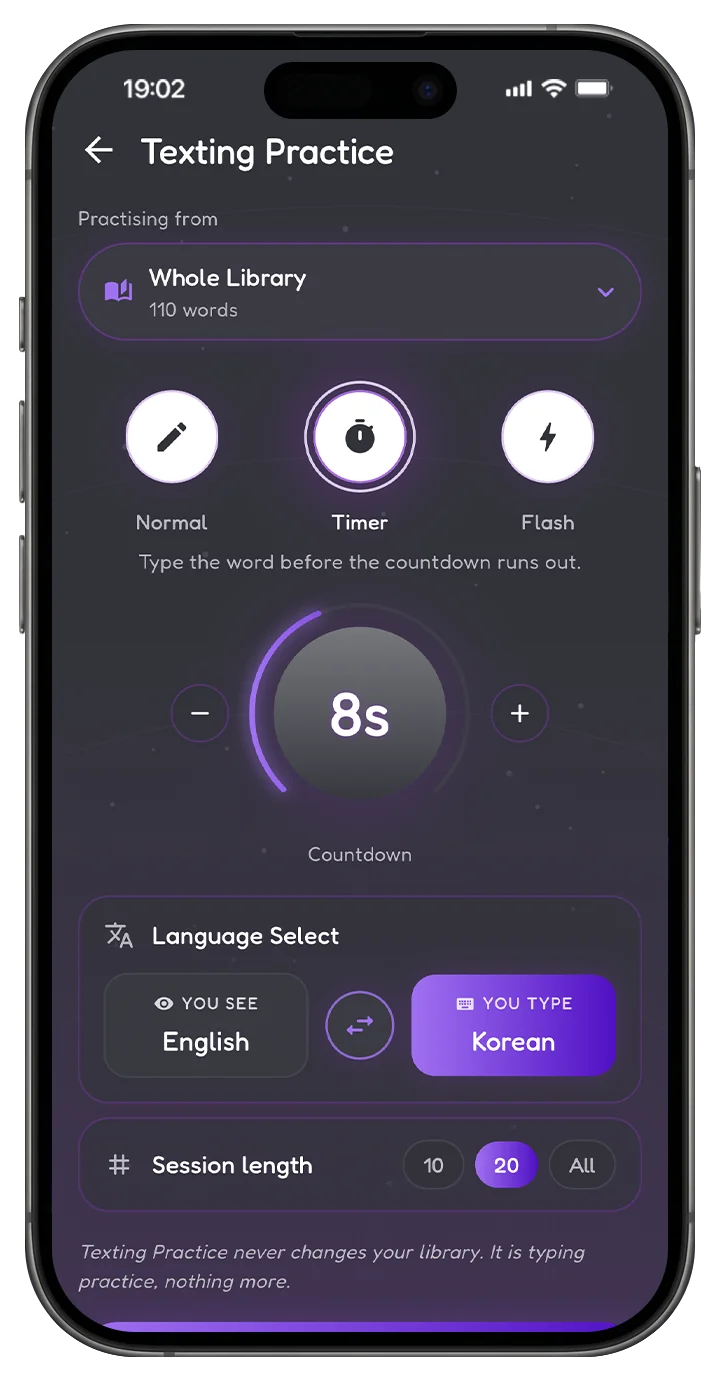
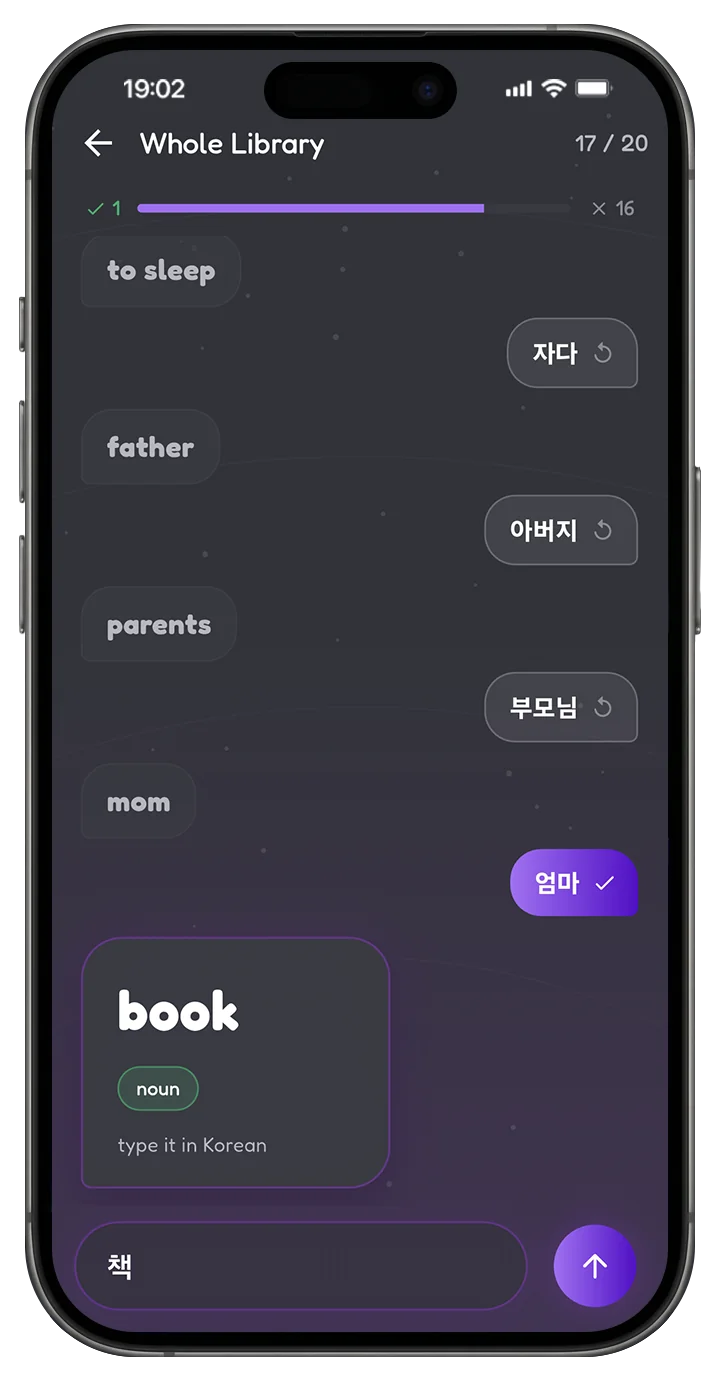
Six tools, one library between them. BunnyNote is your most useful and powerhouse study companion.
Convenience at your fingertips, at all times.
We all know the process. You find a word online, but then you need to grab its dictionary form, its correct translation, make sure it isn't misspelled, work out what part of speech it is, and type all of that in. Word after word, for thousands of words. You'll be burned out before you even touch the learning part. Let BunnyNote handle that, so you can focus on the learning part.
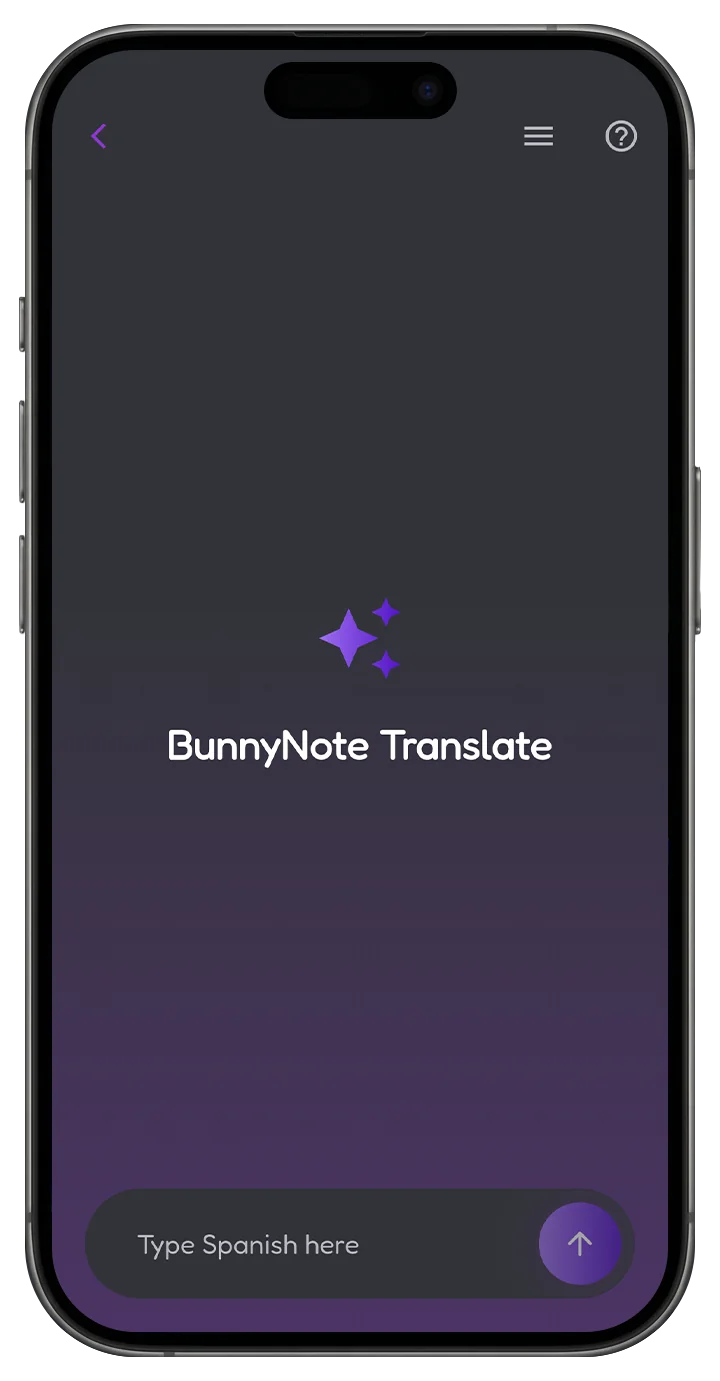
Paste it. Send it to BunnyNote's AI.
Auto word detection with spelling correction, base dictionary forms pulled from any text, part of speech tagged for you, and every word dropped straight into your library, ready for you to study them.
어머니가 물을 빨리 먹다…
Swipe right if you know it.
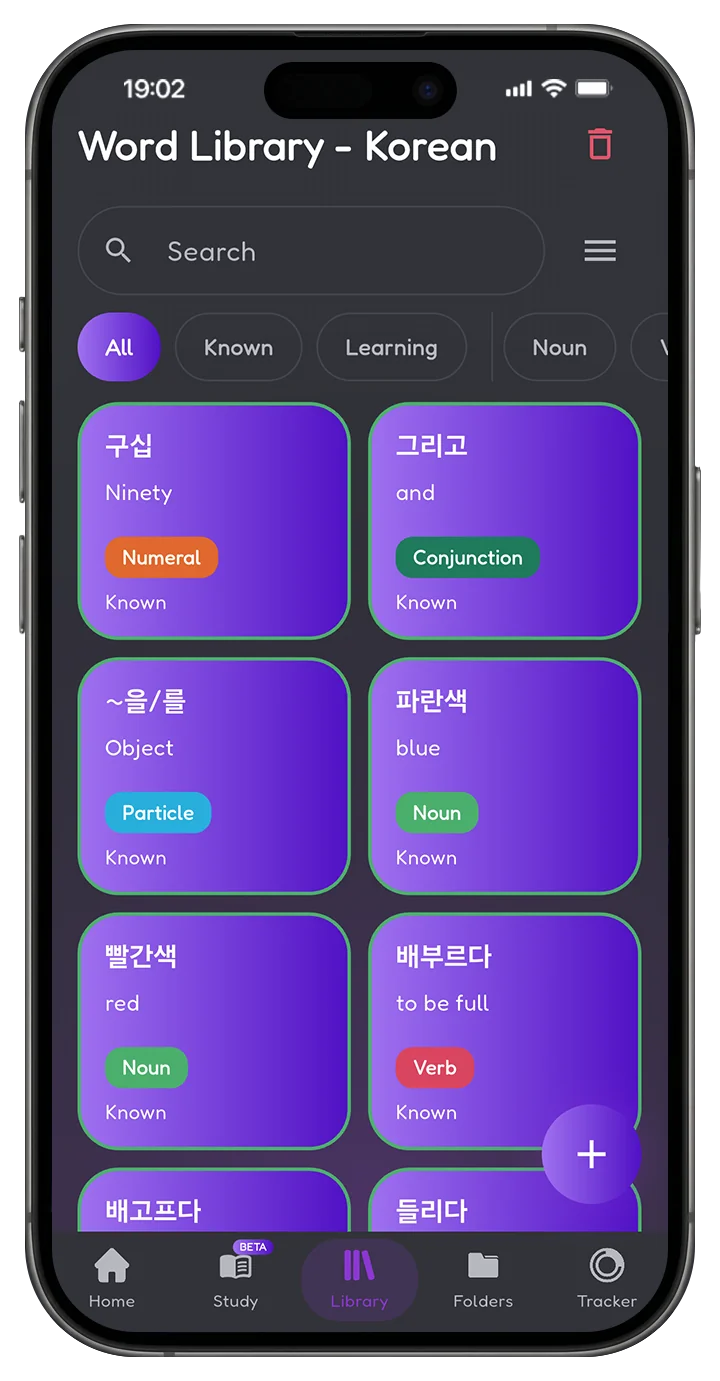
Scan your vocabulary as a grid or flip through it one card at a time. One swipe marks a word known, the other sends it back to still learning. That's the whole interaction, and it's the same gesture everywhere in the app.
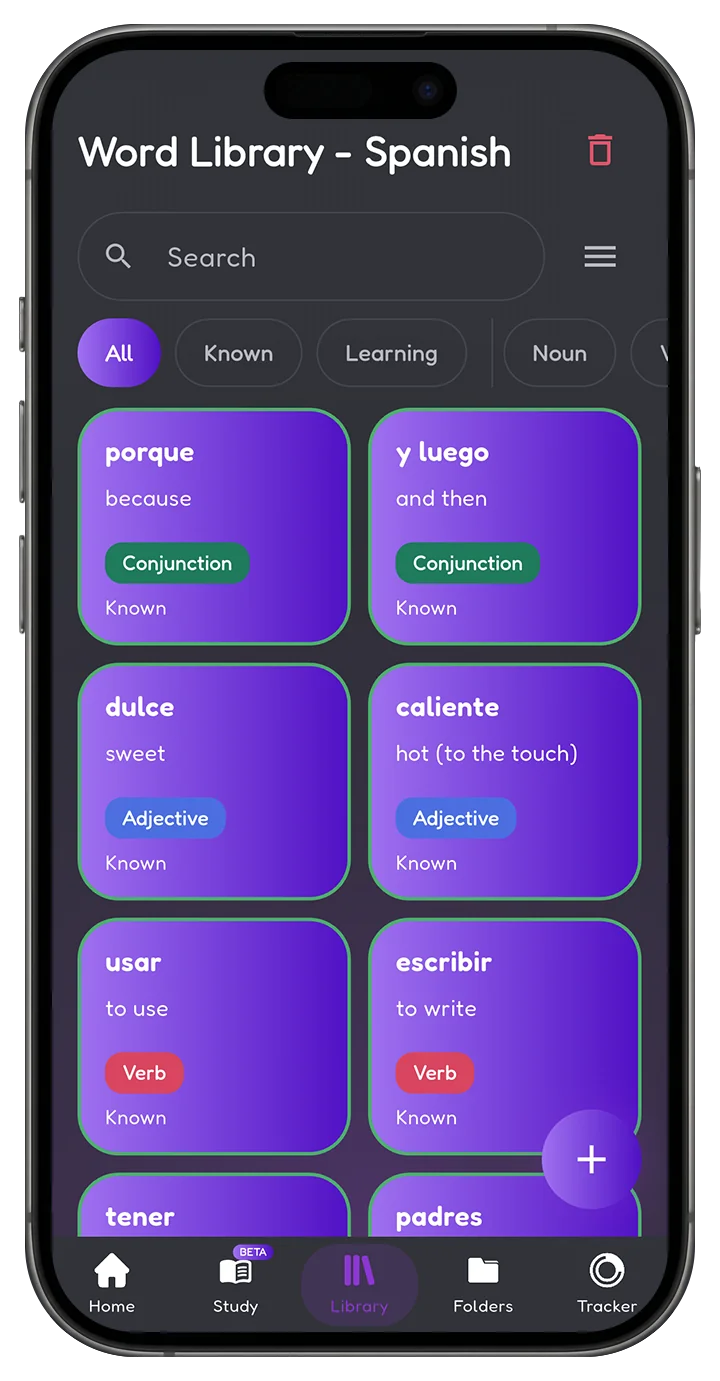
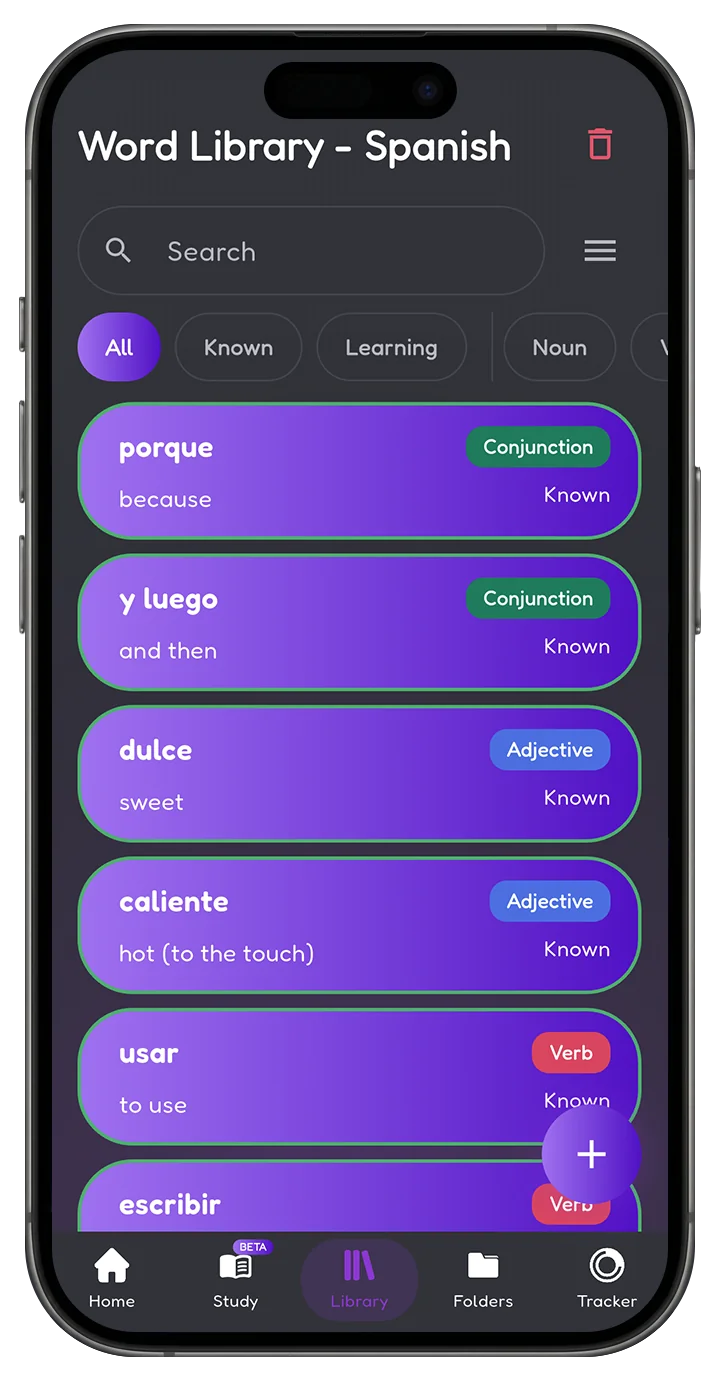
Two layouts, one gesture.
- Grid view at two, three or four columns
- Card view for one word at a time
- Swipe right for known, left for still learning
- Search, filter by part of speech, sort your own order
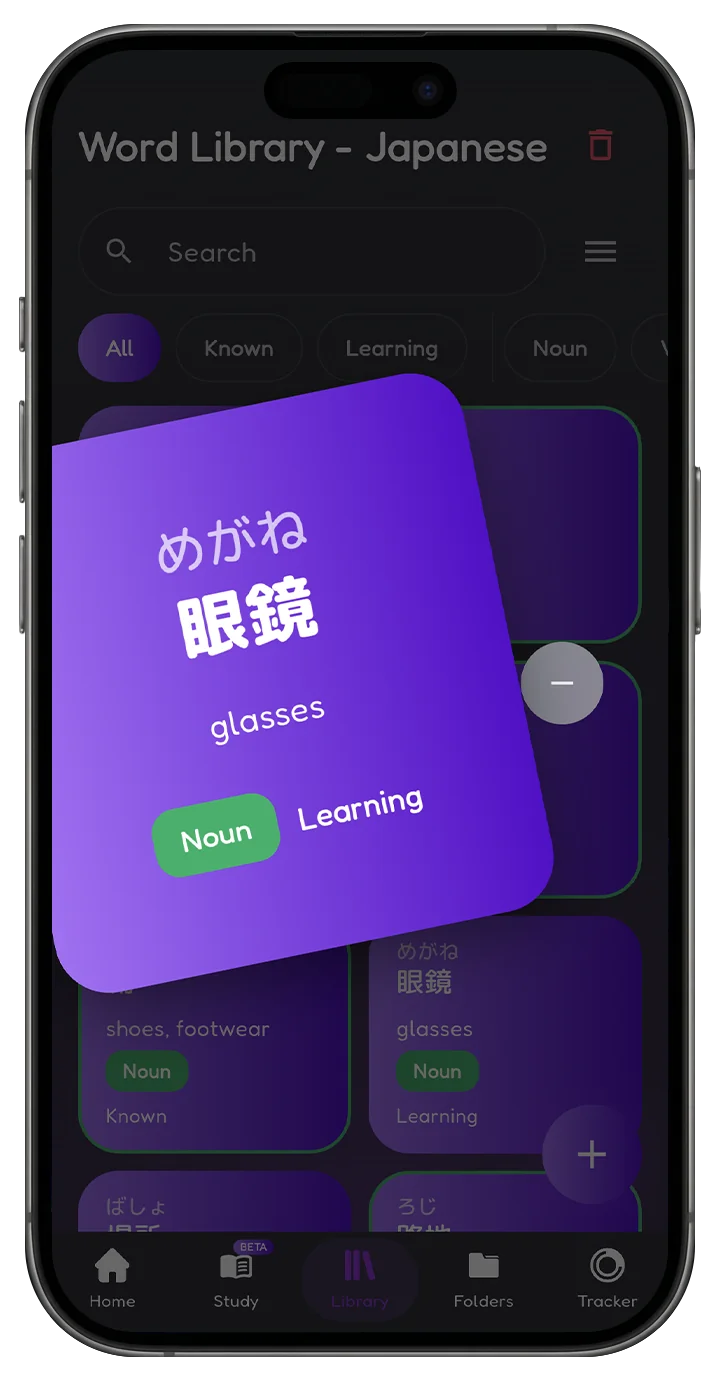
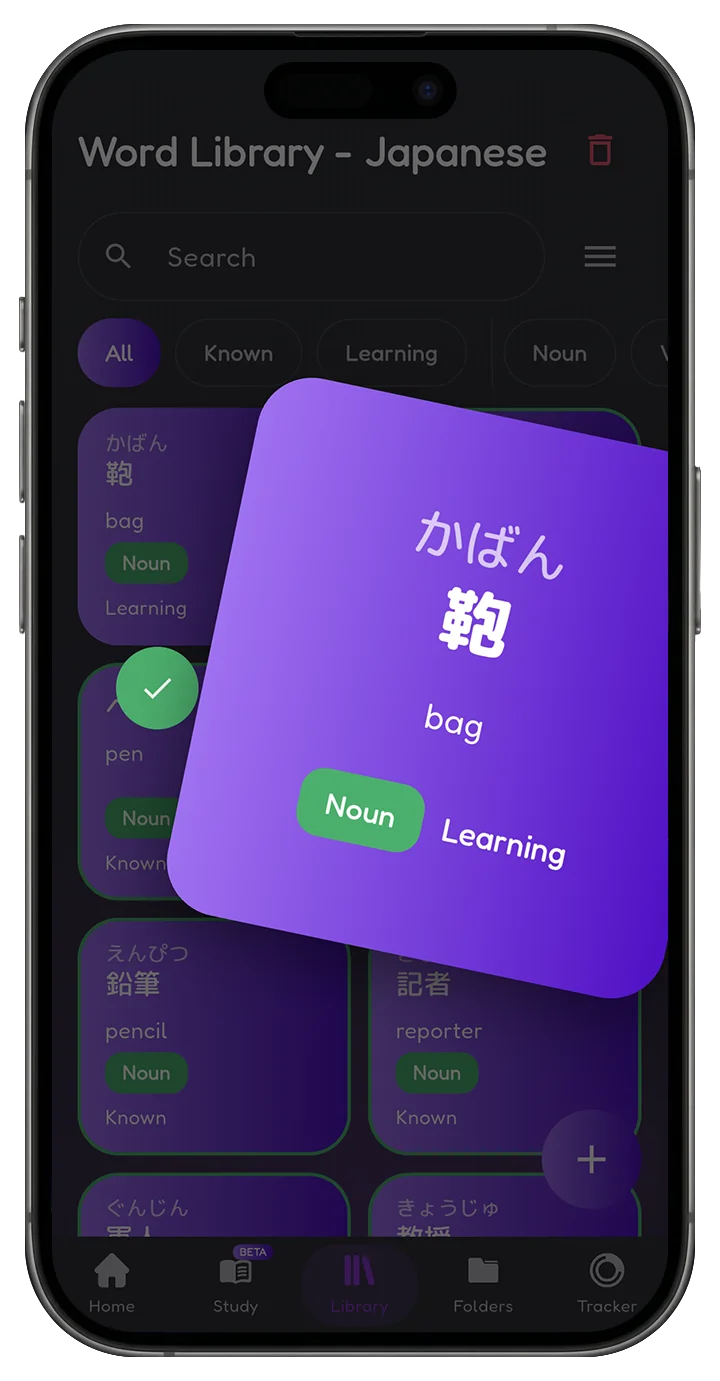
3,500+ words. Less time searching, more time learning.
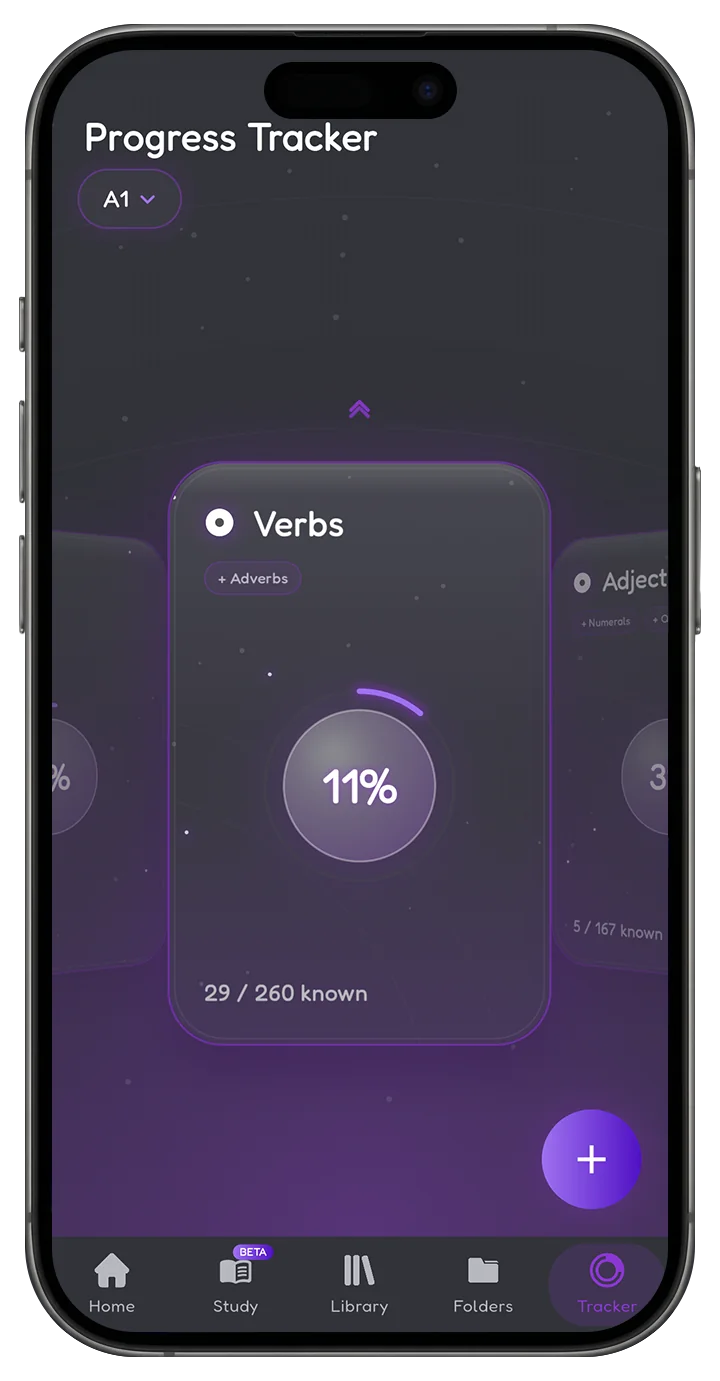
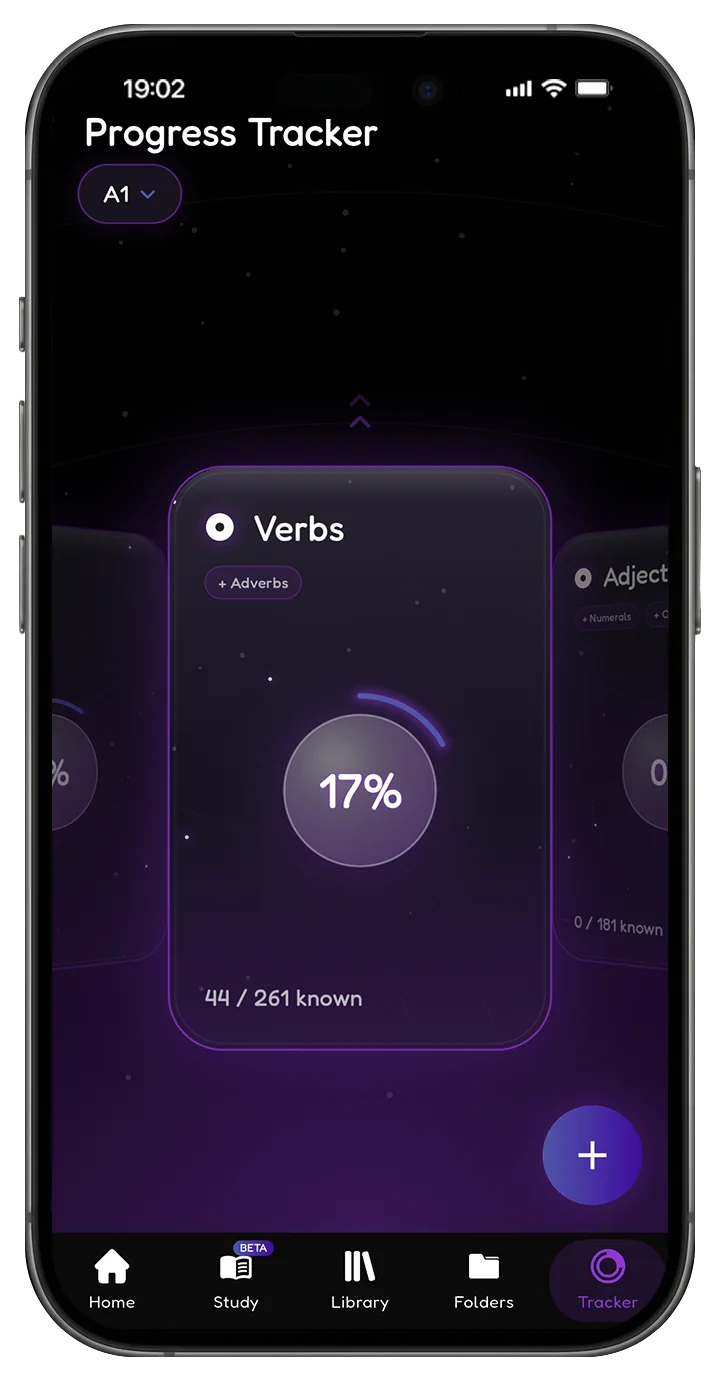
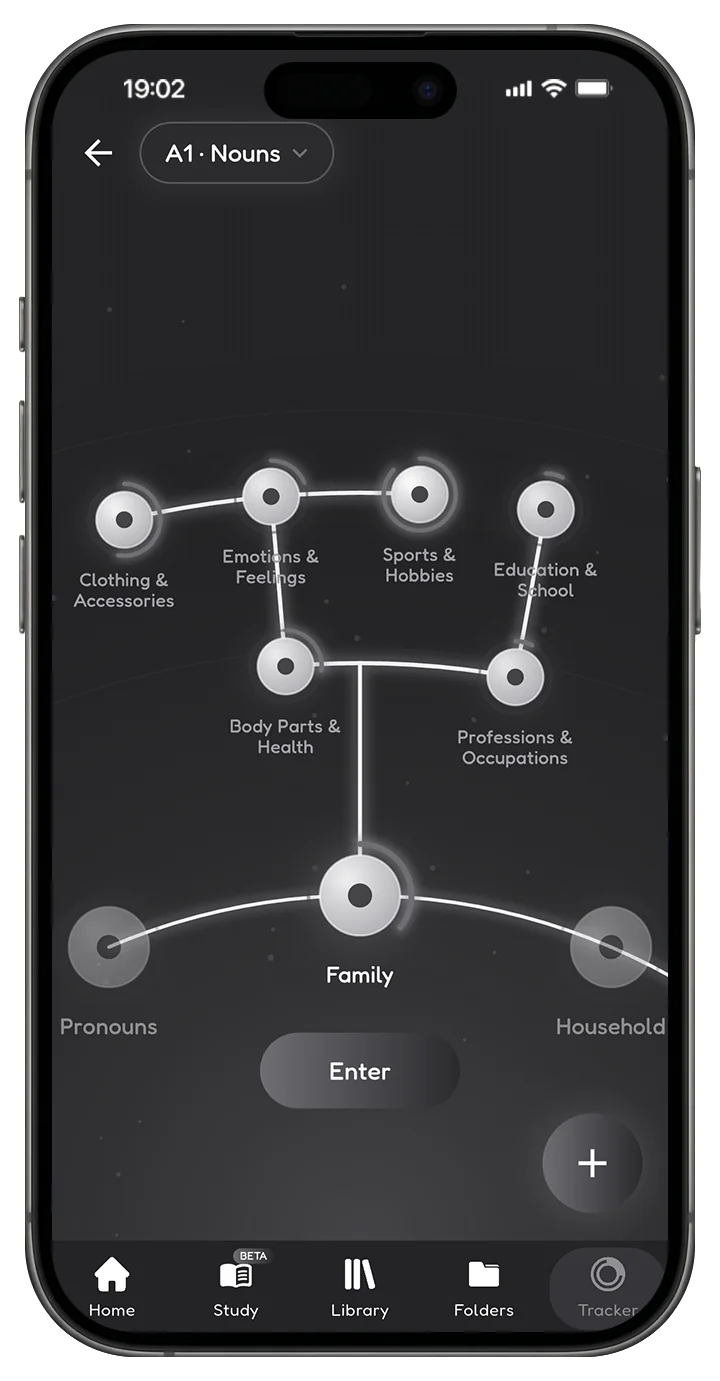
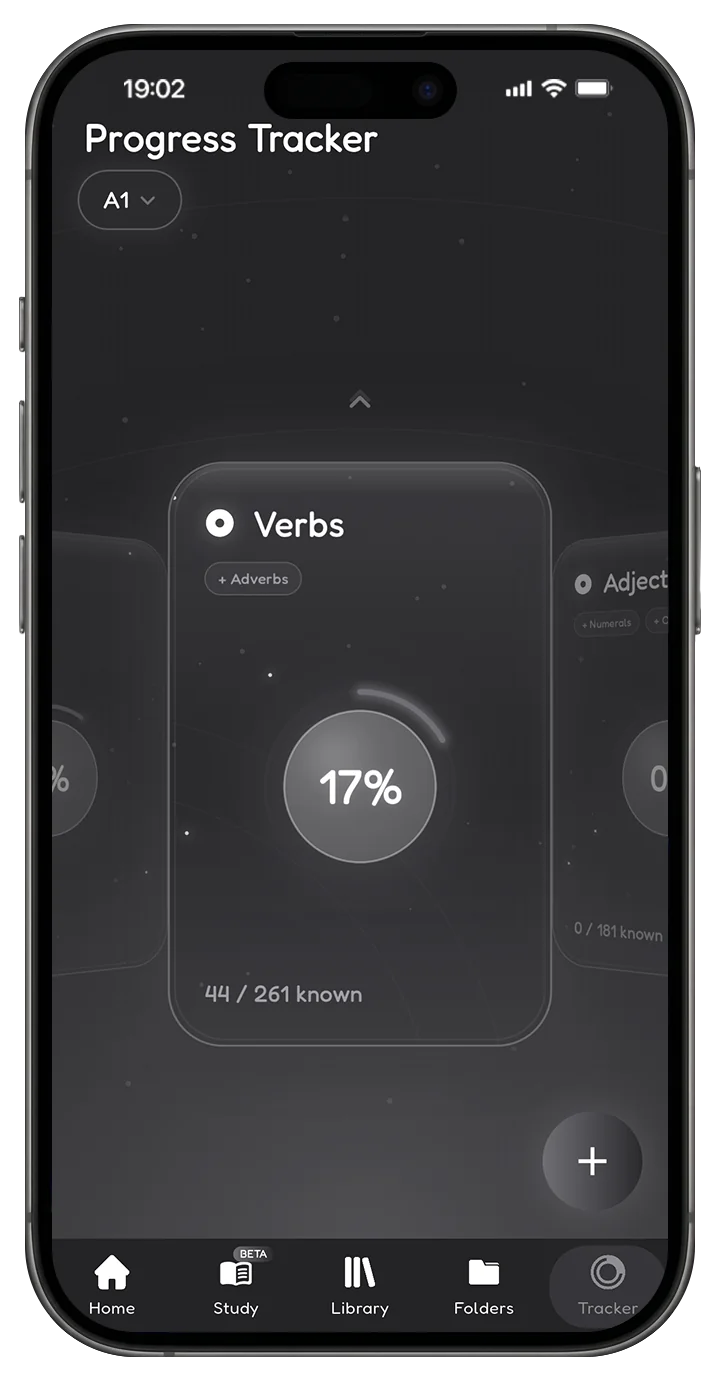
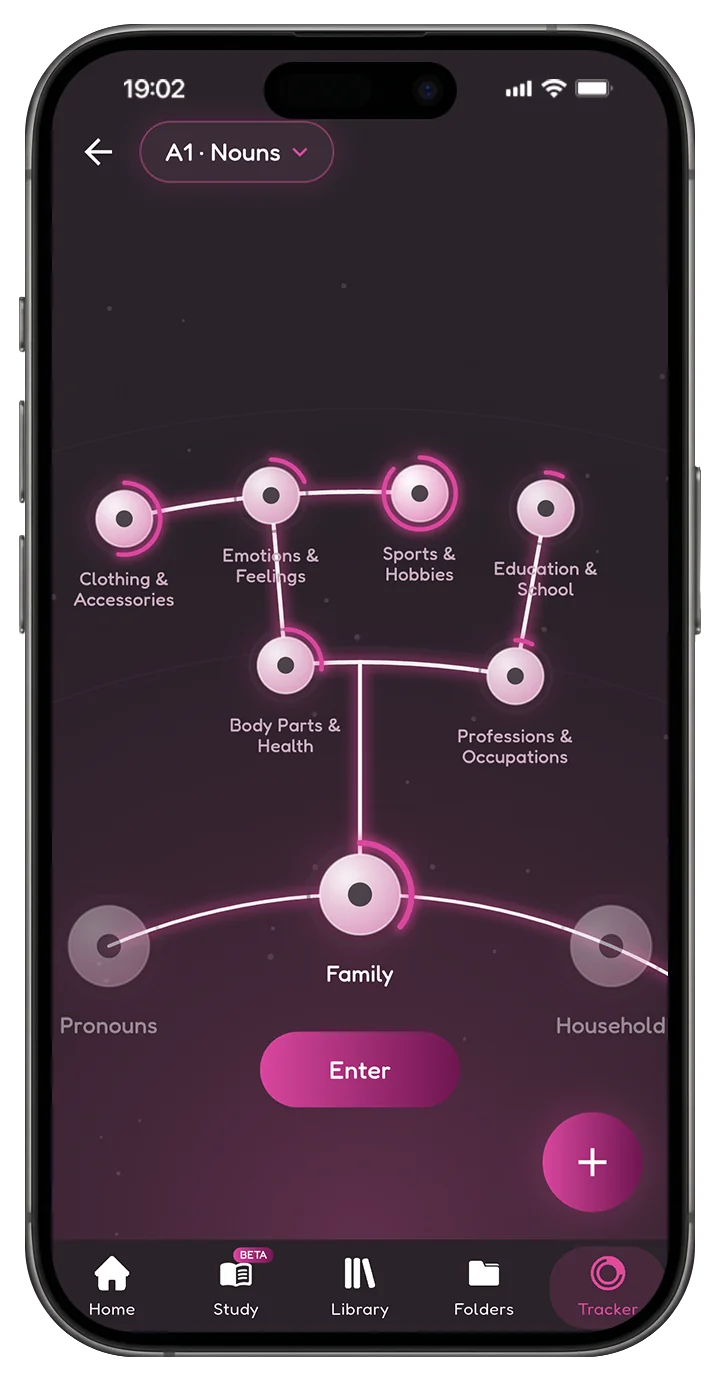
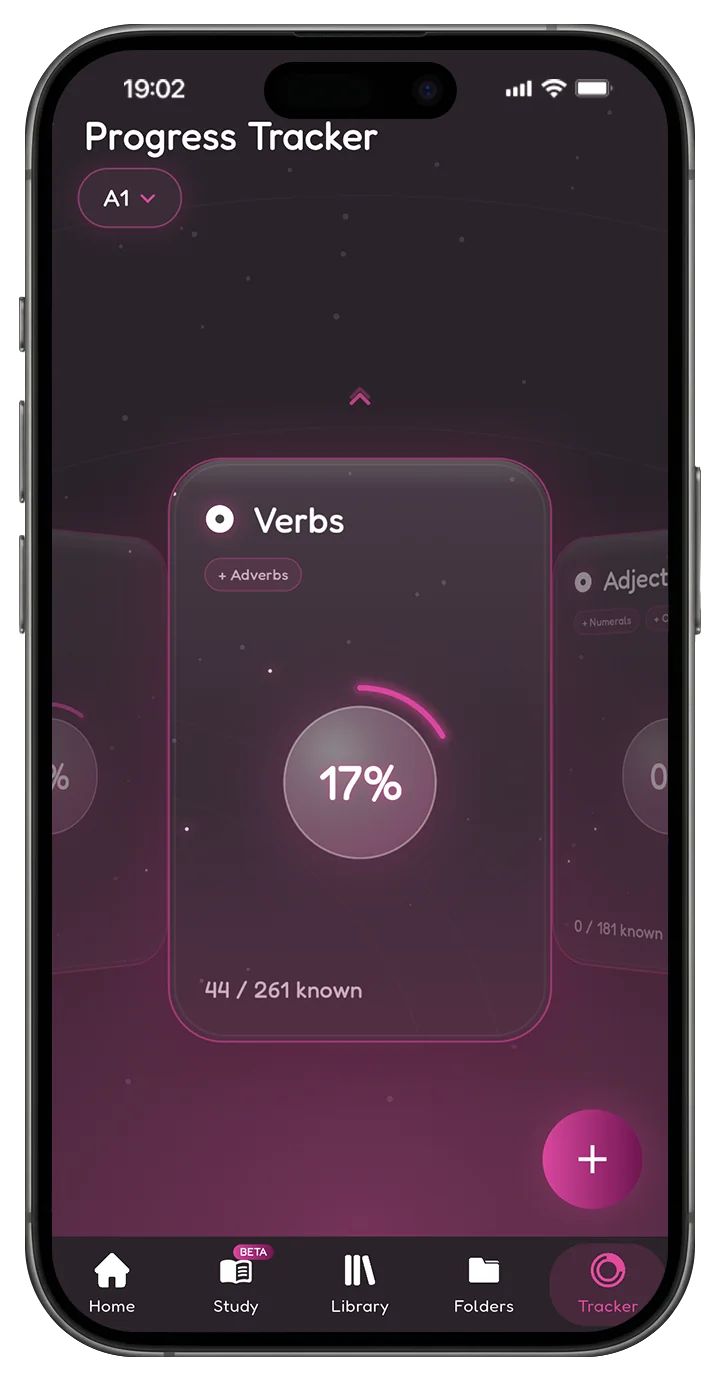
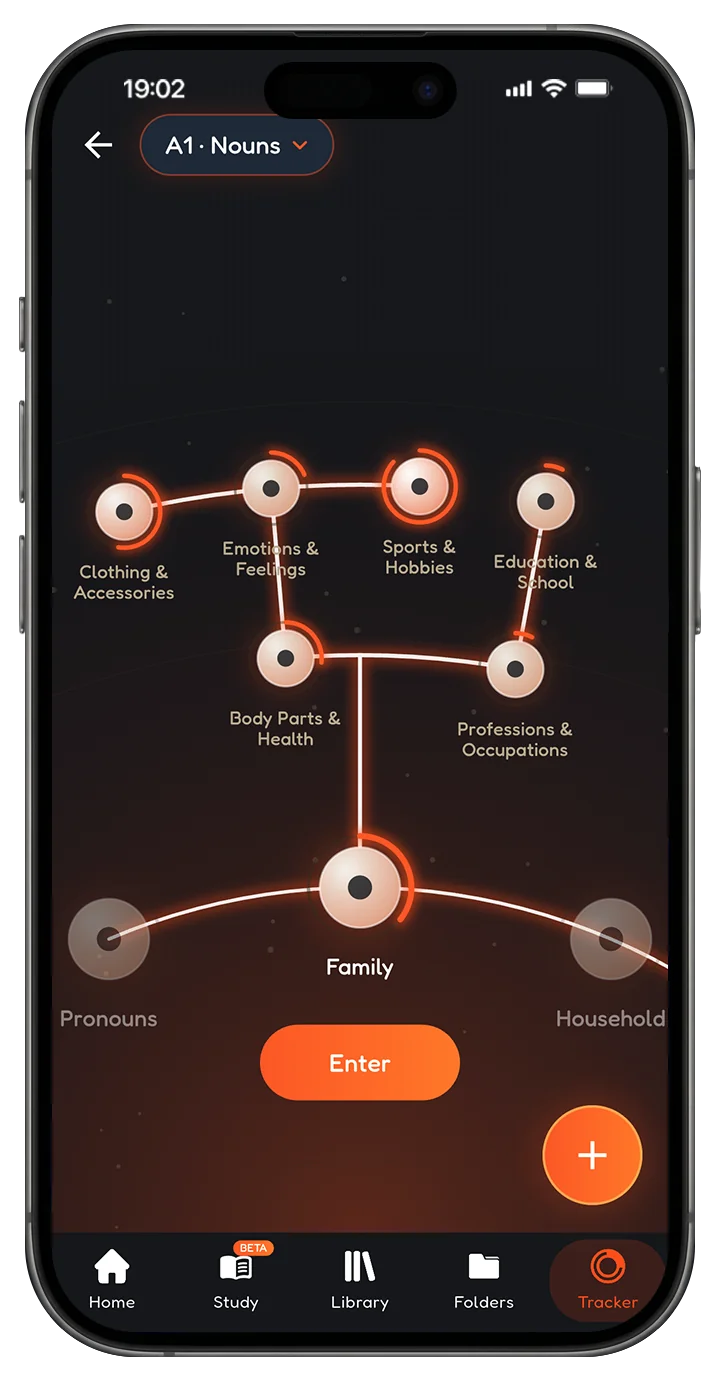
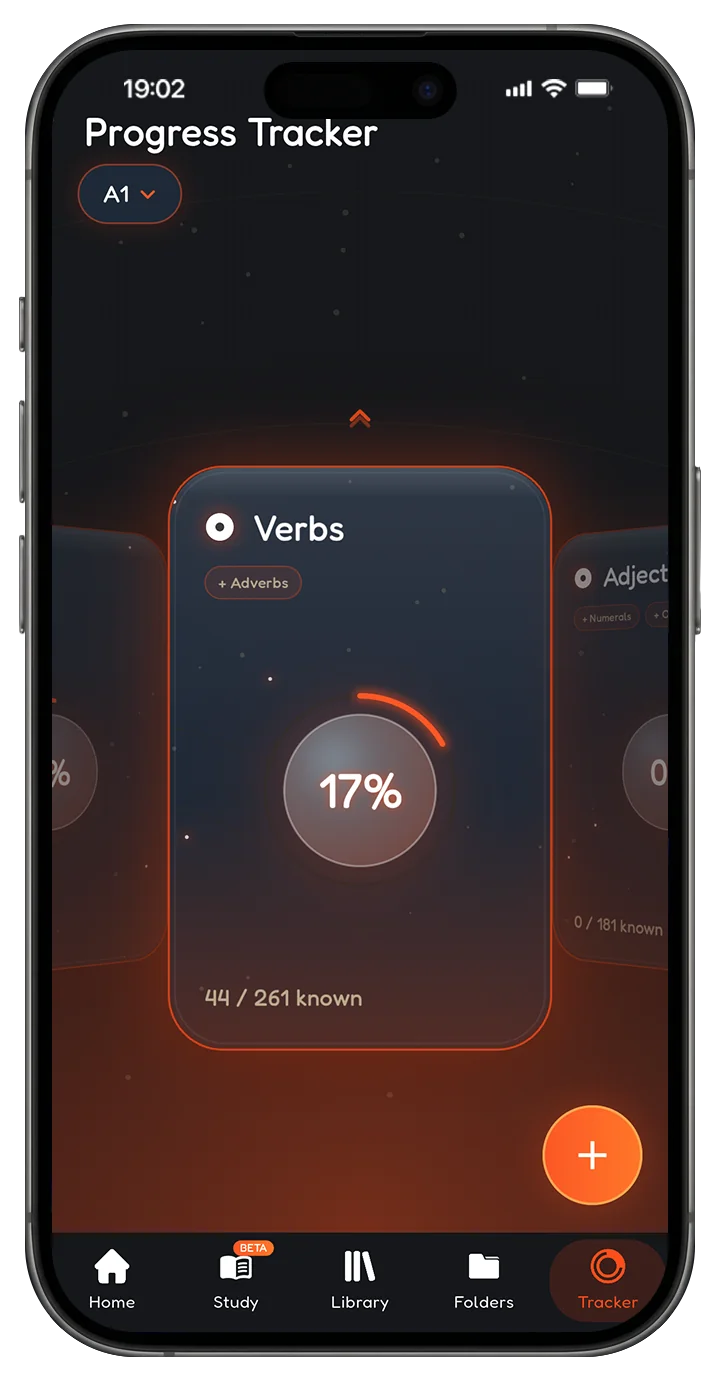
An intuitive, curated database of words called the Progress Tracker, guiding you on which words to learn next, sorted into real categories: family, food, places, numbers, particles, connectors. It offloads a large part of the search for the right words to learn, maps your position in the language, and helps you gauge what level you're at based on how many words you know.
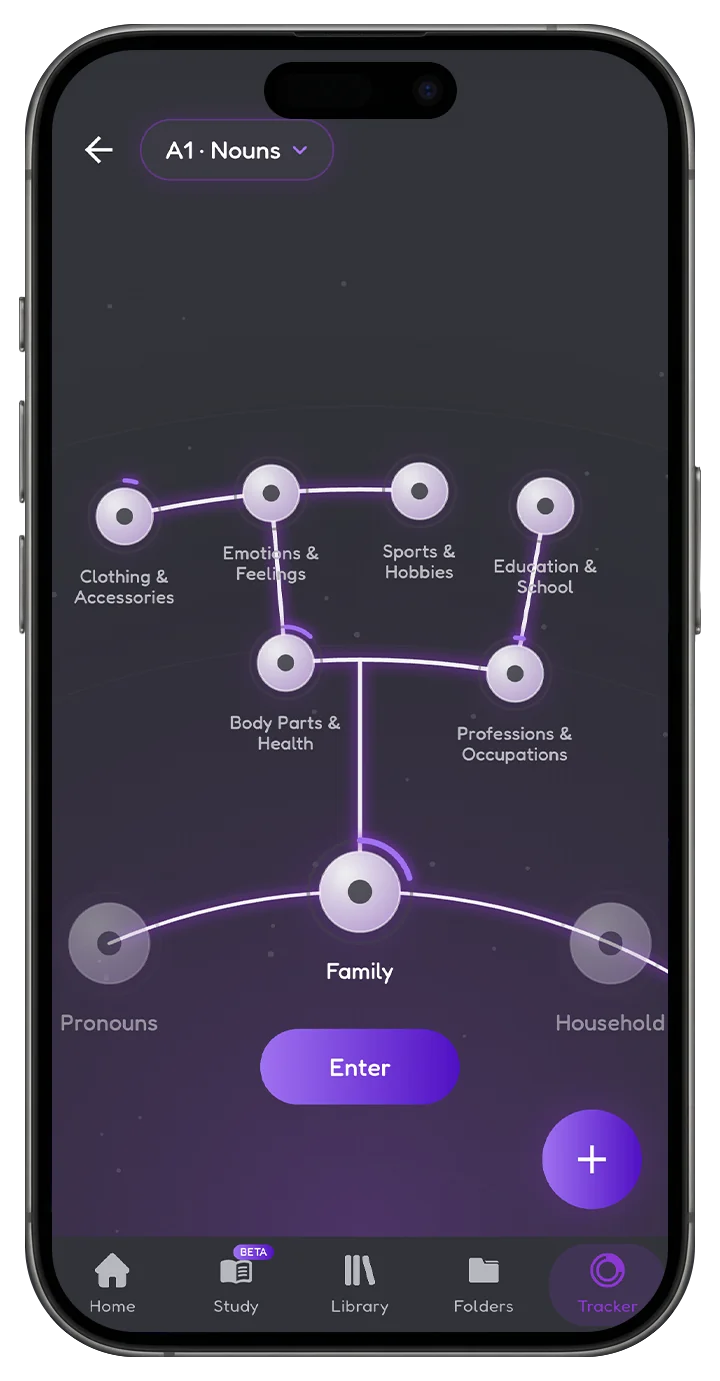
Open a category. Swipe a word in.
Every category is a node you can open, study and swipe through. Words you mark known fill the ring, and words still landing come back around. Your library grows out of the map instead of alongside it.
Your sentence back, marked up.
Send one sentence in the language you're studying. Grammar Mentor returns it annotated: every error, every fix, and every particle you left out, colour coded in place. Not a rewritten sentence you'd have copied without reading.
Four colours, no lecture.
Red is a flat out error. Green in brackets is what it should have been. Blue is something required that you left out. Orange is a nuance tweak you can take or leave. Get a sentence completely right and the whole thing comes back green.
Keep a separate chat per topic, come back to them whenever, and watch the same mistake stop showing up.
Four to study today. More on the way.
The Progress Tracker is live for four languages right now. Everything else works for any language you're adding words in: your library, folders, AI Translate, Grammar Mentor and both practice modes.
한국어
日本語
Español
English
Coming to the Progress Tracker next
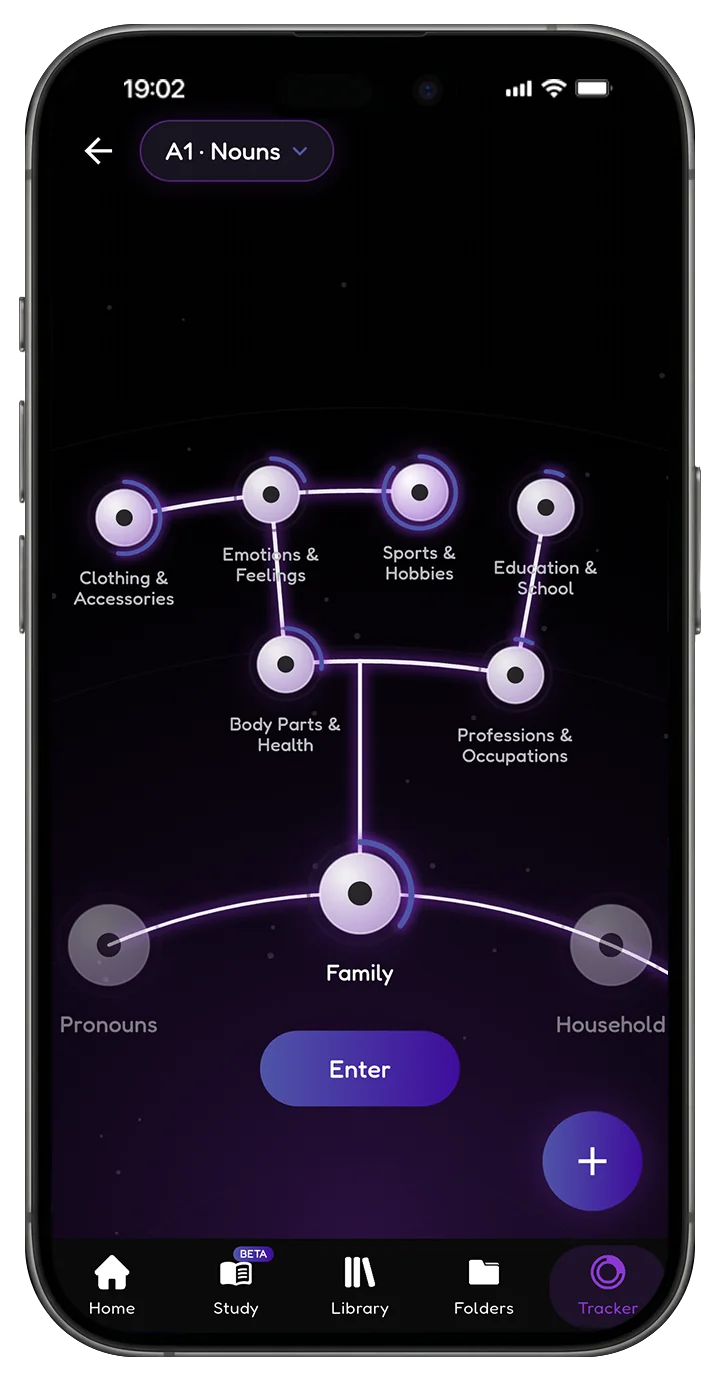
Ten themes, one library.
The whole app changes with it: cards, rings, glow and all. Pick the one you'll actually want to open at midnight.
Free is a real app, not a trial.
Everything you need to build a library and see where you stand costs nothing, and always will. Premium is for when you would rather stop doing the tedious part by hand.
Free
The tracker, the library and the folders. No trial clock, no locked categories, no card at signup.
- The whole Progress Tracker3,500+ words sorted into real categories, live for Korean, Japanese, Spanish and English.
- Your Word Library, both layoutsGrid view at two, three or four columns, or one card at a time. Search it, filter by part of speech, sort it your own way.
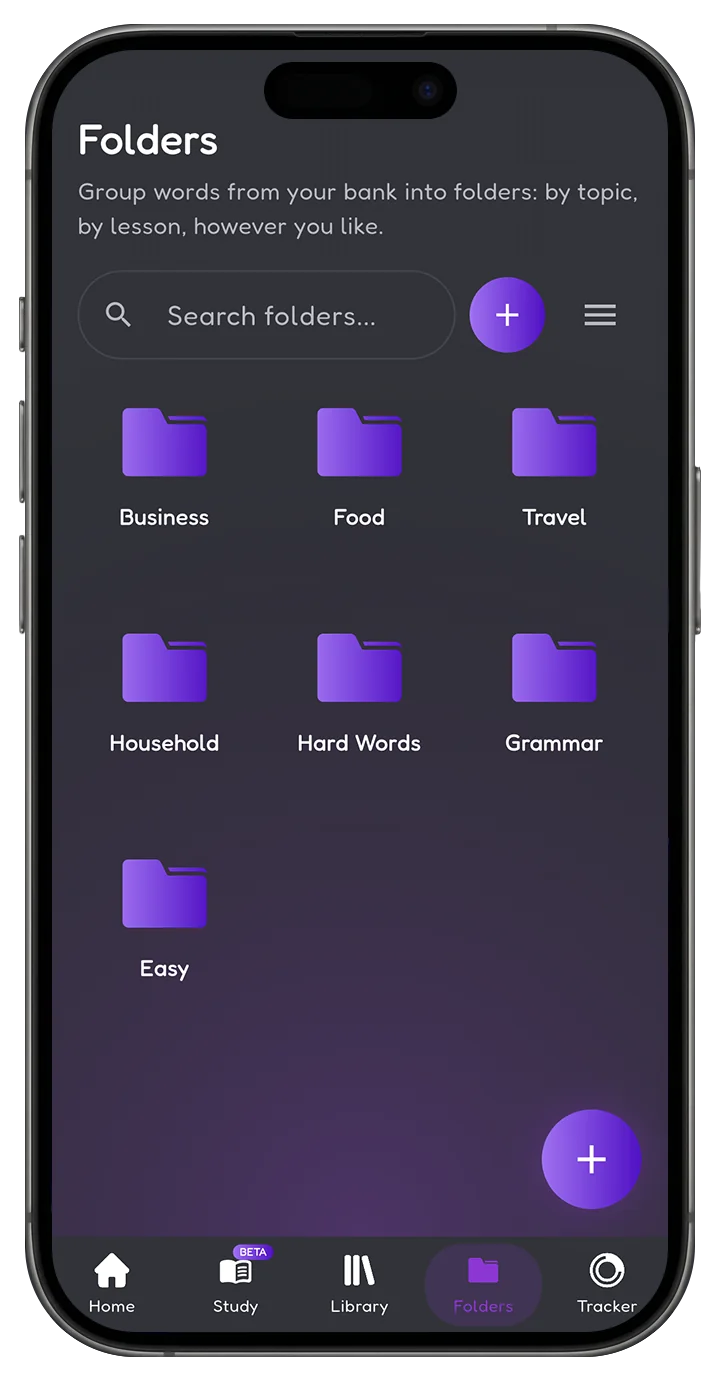
- Folders, as many as you likeGroup words by topic, by lesson, by whatever you like, and search across every folder at once.
- The swipe, everywhereRight for known, left for still learning. Same gesture in the database, the library and the tracker, and the category rings fill as you go.
- Add words your own wayType them in by hand, or bring a list you already have.
- All ten themesDefault, Dark, Noir, BunnyNote, Light, Blossom, Ruby, Blackpink, Eve and Tachy. The whole app changes with it.
- Your level, mappedSee where you stand by category and by part of speech, and know what to learn next.
Premium
The AI does the looking up, the correcting and the tagging, and the practice tools open up.
- AI TranslatePaste any text. Word detection, spelling correction, dictionary base forms and part of speech tagging, dropped straight into your library.
- AI Grammar MentorSend a sentence, get it back marked up in four colours: what was wrong, what it should have been, what you left out, what was only nuance. A separate chat per topic.
- Study CardsFlash cards on your whole library or any single folder. Pick the side you see first, put a clock on each card, and decide whether swipes reach your library at all.
- Texting PracticeType the word instead of recognising it, in Normal, Timer or Flash mode. It never touches your library.
- Room to runNo quotas, and early access to whatever lands next.
On Google Play now, with the App Store and Microsoft Store on the way.
Your next word is in something you're already reading.
Put it somewhere it'll still be next month.